Company Overview
About ATS Lotus Notes Converter
ATS Lotus Notes Converter Details
What SIA Thinks
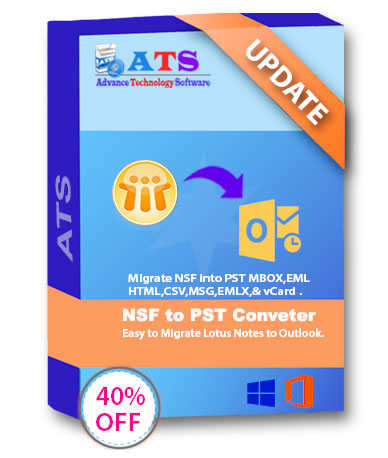
ATS Lotus Notes Converter is an intuitive software solution designed to simplify the process of converting your Lotus Notes data into more accessible formats like Outlook. Ideal for businesses large and small, this tool makes managing email data more straightforward and efficient, especially during transitions between different email platforms.
With ATS Lotus Notes Converter, you can seamlessly migrate emails, contacts, calendars, and other key data from IBM Lotus Notes to Outlook without worrying about data loss or complex settings. The user-friendly interface is designed for efficiency, ensuring that even those with limited technical skills can navigate the process with ease.
What sets this software apart is its focus on maintaining data integrity during the conversion process. You won’t need to worry about missing attachments, altered email formatting, or incomplete data transfers. Each element of your Lotus Notes data is carefully replicated in the new format, retaining the original folder structure for easy navigation post-conversion.
Additionally, ATS Lotus Notes Converter supports batch processing, allowing you to convert multiple NSF files simultaneously. This can save substantial time and effort, particularly for organizations needing to migrate extensive databases. The software also allows for selective conversion, so you can choose specific items to transfer if you don’t need a full migration.
Understanding that security is a top priority, this converter ensures that your data is handled with the utmost care. The conversion process is secure, with no risk of data leakage or unauthorized access.
Whether you’re transitioning from Lotus Notes to Outlook due to organizational changes, upgrades, or simply seeking better efficiency, ATS Lotus Notes Converter is crafted to handle the job smoothly. The streamlined process, combined with reliable performance, makes it a practical choice for businesses looking to make their email systems more accessible and efficient.
Pros and Cons
Pros
- Easy to use
- Fast conversion
- Batch processing
- Good customer support
- Supports multiple formats
- User-friendly interface
- Reliable support
- Affordable pricing
- Wide compatibility
- Time-saving features
Cons
- Limited free trial
- No cloud integration
- Requires installation
- Basic interface
- Potential data limits
- Basic reporting tools
- Pricey upgrades
- Occasional glitches
- Slower processing
- Limited customizations
Reviews
There are no reviews yet!!




